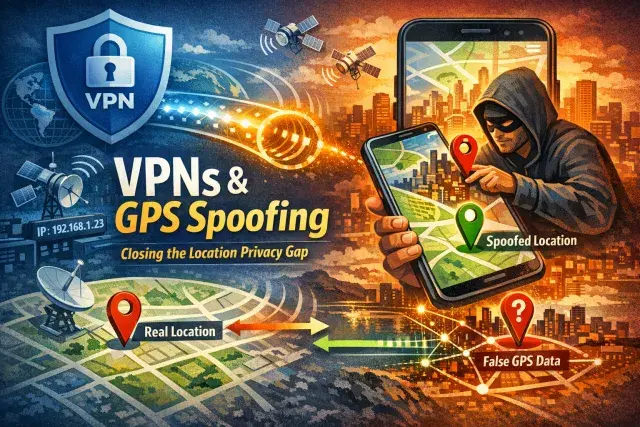

A VPN can hide your IP address and encrypt your traffic, but it does not automatically conceal where your phone says you are. For Android users, that gap matters because many apps and services rely on GPS data alongside IP-based checks, making a VPN alone an incomplete privacy tool in some situations.
Why a VPN is only part of the location-privacy picture
VPNs work at the network level. They send your internet traffic through a remote server, which makes websites and services see the server’s IP address instead of your own. That helps protect against tracking by internet providers, local network snoops and some forms of location profiling. It can also help users reach region-locked content.
But phones reveal location through more than one channel. Apps can request GPS data directly from the operating system, and some services compare that information with your IP location. If the two do not line up, the VPN may fail to unlock content or the app may identify the mismatch. This is a common problem for platforms that are aggressive about enforcing regional licensing.
How GPS spoofing works on Android
GPS spoofing does not usually involve interfering with satellite signals. On Android, it relies on software controls that let a selected app feed false coordinates to the operating system through the mock location framework. Other apps then receive those coordinates as if they were real.
That distinction matters. A VPN changes where your traffic appears to come from. GPS spoofing changes what your device reports locally to apps asking for location access. Used together, they can make both signals point to the same place. Used carelessly, they can also break apps that depend on accurate live location, including mapping, ride-hailing, delivery and some social services.
Where GPS spoofing is useful, and where it creates risk
The clearest privacy case for GPS spoofing is limiting the precision of location data shared with apps that do not need it. Location histories can reveal home and work addresses, routines and relationships. For users who have already granted broad permissions, a spoofed location can reduce how much sensitive data an app collects, though reviewing and tightening permissions remains the stronger first step.
There are also practical uses. Developers test location-based apps by simulating movement across different regions. Some users rely on spoofing when services check GPS and IP location at the same time. And on Android, spoofing can help users access region-specific app behavior when features roll out unevenly.
The risks are straightforward. Low-quality spoofing apps can collect data, flood devices with ads or expose users to malware. Some banking, dating and gaming apps look for mocked locations and may restrict features or suspend accounts if they detect manipulation. Legal exposure is usually limited when spoofing is used for privacy or software testing, but that changes if it is used for fraud, evasion or deception.
What trustworthy use looks like
Only a small number of VPN providers currently offer built-in GPS spoofing, and the feature is restricted to Android because iPhones do not provide the same user-facing controls. For most people, the sensible approach is simple: choose a reputable VPN, grant location access only when necessary, and if you use GPS spoofing, keep your spoofed GPS region aligned with your VPN server.
That combination will not make someone invisible online. Websites still use cookies, account logins, browser fingerprints and app permissions to identify users. Even so, understanding the difference between IP masking and GPS spoofing gives users a more realistic view of digital privacy. A VPN is helpful. It is not magic. On a phone, location privacy depends just as much on what the operating system and apps are allowed to share.